3D icons
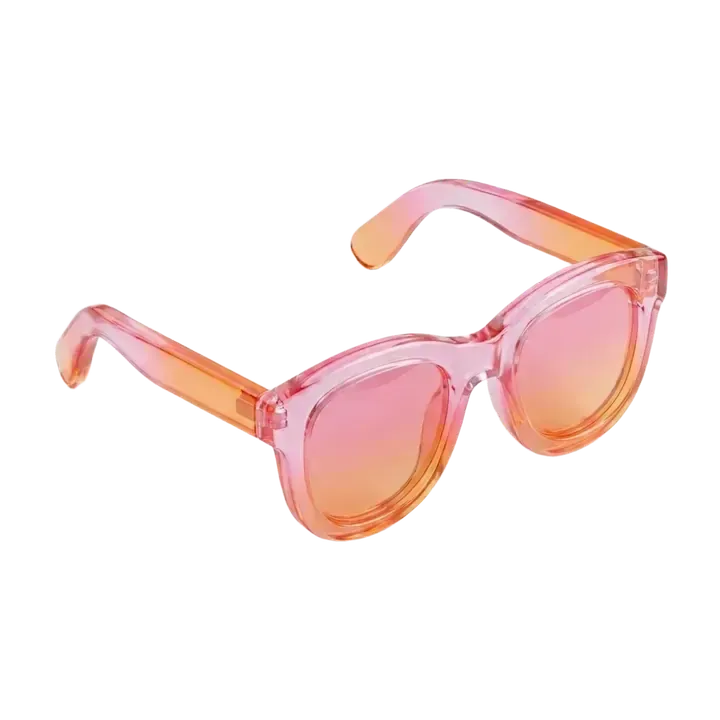
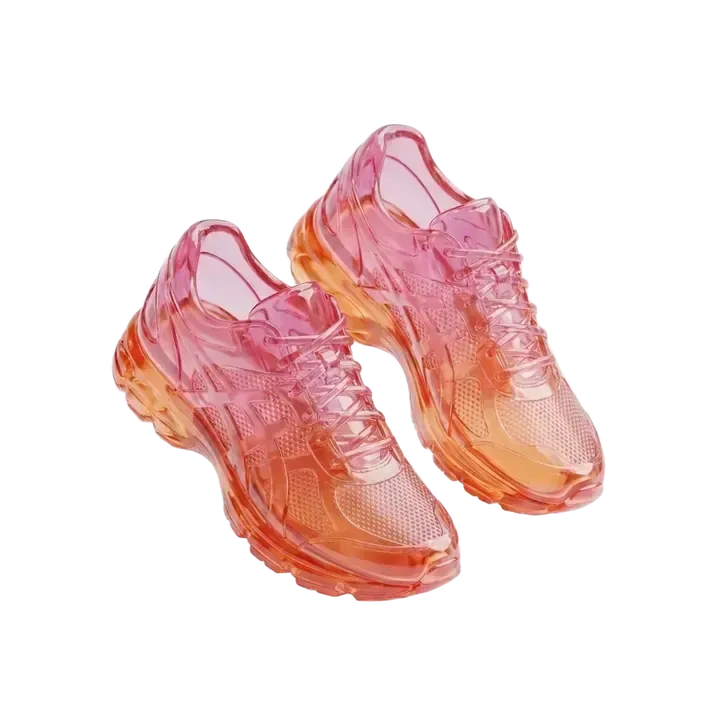
Create 3D icons, graphics, and design assets in any style, ready to refine in Figma, Photoshop, or Illustrator.



“I used to spend a full day putting together three concepts for a client. Now I use Blunge for the initial pull, then refine from there. My output has basically doubled.”

“Canva still required me to actually design. Blunge just gets what I want and makes it. For marketers, it's a completely different category.”

“I couldn't afford a designer when we launched. I made all our Instagram ad creatives in Blunge and our ROAS doubled in the first month.”

“I used to wait weeks for a designer to turn around campaign assets. Now I prompt it, tweak it, and post it the same day. It's changed how fast our team can move.”

“Our designer contract fell through two weeks before launch. I built everything in Blunge. Nobody knew it was AI.”

“The most tedious part of brand work is generating consistent variations at scale. Blunge handles that. I just focus on direction.”

Bring a moodboard, client brand, or visual direction. Blunge turns it into custom, style-consistent 3D icons, graphics, and product visuals you can create on demand.
Remove the background, upscale, and export clean SVG or vector files ready to drag into Figma, Photoshop, or Illustrator.
Export an assetChoose an available style or create a private style from project references so every icon, illustration, and render follows the art direction.
Create a private styleKeep text and frames editable, then take the work into Figma, Photoshop, or Illustrator for the final production pass.
Create editable assets
Centralize references, generated assets, and shared Brand Kits so studios and marketing teams work from one source of truth.
Build your workspace
 Mina
Mina RichieRichie
Generate batches of styled assets and variations for client pitches without another prompting loop or a night of manual production.
Explore directions