Turn one image into video.
Explore image-to-video ideas. Check the video tools, account access and displayed generation cost in your workspace; new-product pricing and entitlements are not yet confirmed.
Recommended for
SNS content
When you have your own character but making a video feels difficult
Brand mood
When you need to quickly create a brand mood video
Product video
When you have product photos but no ad video yet
Write the scene
you imagine
Explore a direction
for your next video.
One image and one prompt can shape
your mood, pace, and scene direction.
Animate a blue car
sparkling in a studio
Turn a perfume product shot
into a glossy ad scene
Create a fast-paced running
scene with dramatic lighting
Explore a direction
for your next video.
Start with a static character or product photo,
and watch the AI bring it to life.
* Actual car video and image generated in Blunge
Scroll-stopping video, generated by you.
Just describe the scene in plain English.
The agent handles everything else automatically.
Plan, generate
and review your video
Plan, generate
and review your video
Generate an image in Blunge,
or paste in your product image.
Generate an image in Blunge, or paste in your product image.
Generate an image in Blunge,
or paste in your product image.
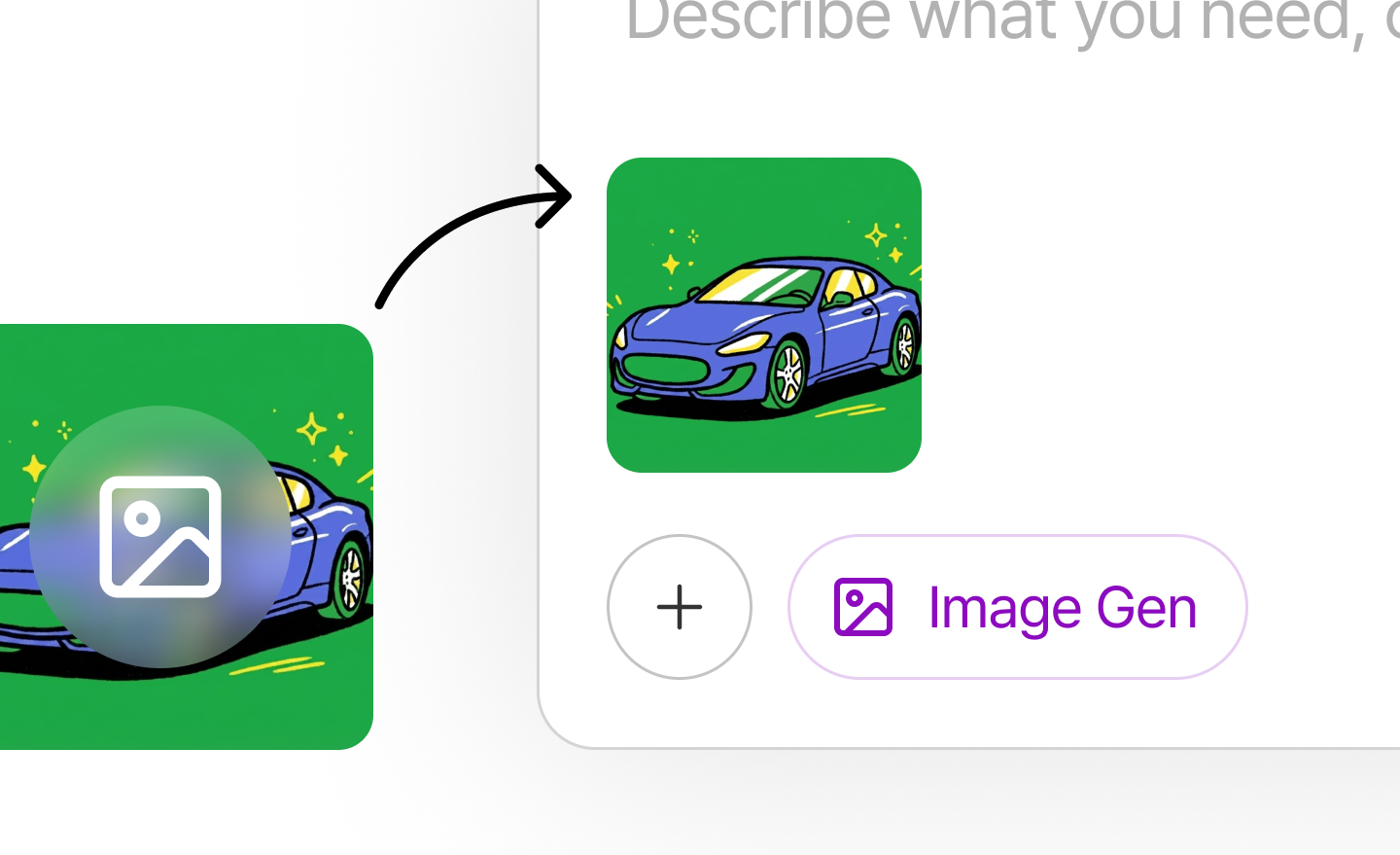
Use the prepared image
to generate a video with ease.
Use the prepared image to generate a video with ease.
Video gen
Use the prepared image
to generate a video with ease.
Check product details, motion
and the downloaded file.
Review duration, audio, resolution and product fidelity before final editing or publication.
Check product details, motion
and the downloaded file.
Before you generate
Plan your video
and credit usage.
Current pricing lists video on Pro. Check actual access in your account; future product prices and entitlements remain undecided.
Plan access
Check the cost shown for the selected model and settings. Confirm actual duration, audio, output and retry usage in your account.
Generation credits
Bring your next
scene to life.